Top 3 Video Editing
Softwares For Beginners
Professional video editing.
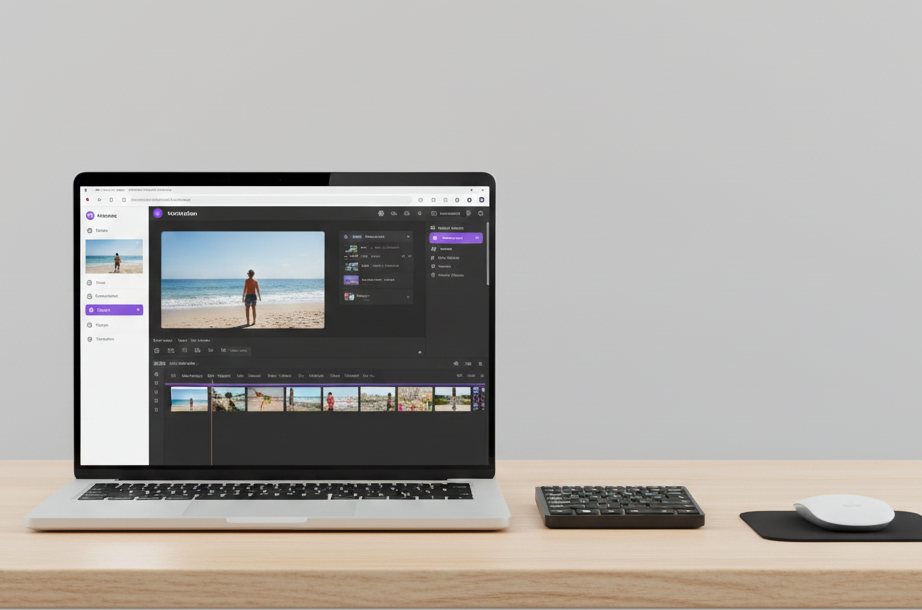
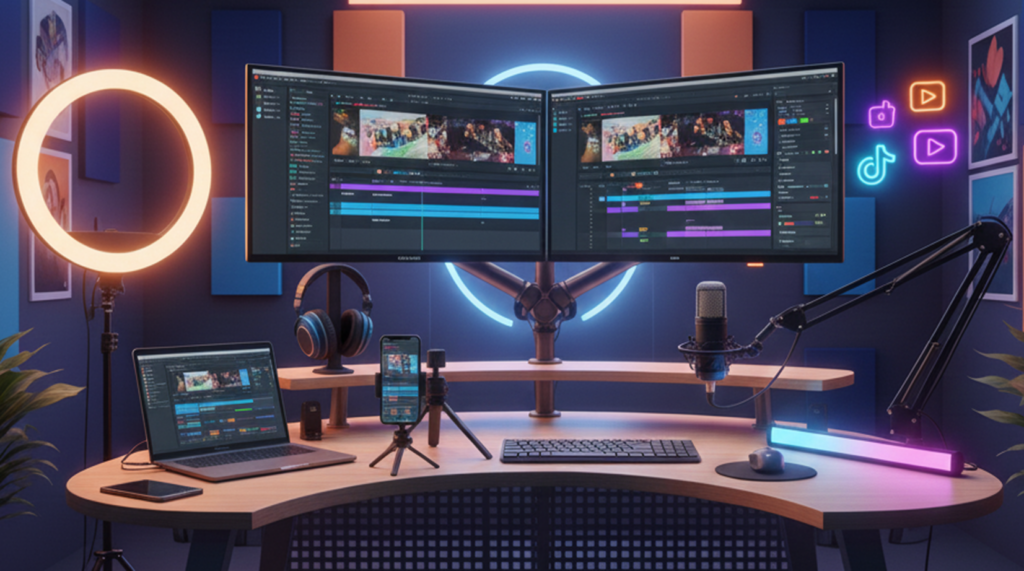
video editing is the creative process of assembling raw video clips, audio, graphics , and effects using software to craft a polished, cohesive final video that tells a story or conveys a message , involving tasks like cutting, sequencing , adding music/titles, color grading , and ensuring smooth flow for various platforms like film, marketing , or social media.
1. Canva
Canva is an online graphic design design Platform that allows people of all skill levels to easily create visual content like social media posts, presentation, posters, video, and websites. it offers a simple drag-and-drop interface, thousands of ready-made templates, and a large library of photos, icons, and video generation, background removal, and text- based even easier Canva help you design stunning graphics, presentation, and social media posts with ease. Simple tools Creative templates, and fast results.
2. CapCut
CapCut is a free, versatile video and photo editing app available on both mobile and desktop. Created by ByteDance (the company behind TikTok), it's popular for its simple interface and powerful tools like auto-captions, background removal, keyframe controls, and stylish effects. it allows creators to easily make high-quality short video for platforms such as TikTok, Instagram Reels, and YouTube. With a mix of essential editing features-like trimming, text, and music-and advanced AI options, CapCut offers a complete and beginner-friendly editing experience suitable for both new users and experienced editors CapCut is a powerful video editing app with easy tools, trendy effects, smooth transition, and high-quality export-perfect for creators and businesses.
3. Adobe Premiere Pro
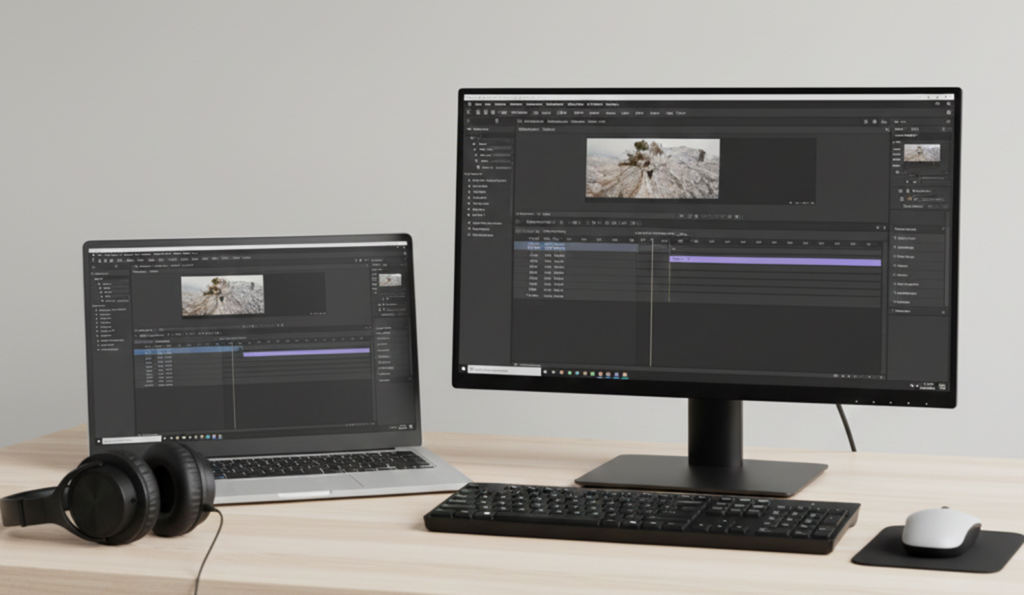
Adobe Premiere Pro is a professional, industry-standard video editing softwar that is part of the Adobe Creative Cloud. it is used to create films, TV shows, social media video , and other visual content by arranging clips, adding transitions/effects, adjusting audio, and performing color grading. Premiere Pro works seamlessly with other Adobe apps like After Effects, Photoshop, and Audition, providing a smooth and complete production workflow. its advanced editing, color correction, audio, mixing, and mixing, and titling tools make it a powerful choice for beginners, content creators, and large production studios alike Adobe Premiere Pro is a professional video editing software used to create high-quality video with advanced tools, effects, and smooth timelines.
4. After Effect
Adobe After Effects is an industry-standard tool for creating motion graphics and cinematic visual effects (VFX).It's widely used in film, television, advertising , online content to animate text, build stunning composites, remove green screens, track motion, and transform static graphics into dynamic visuals while it includes basic editing capabilities, its true strength lies in post-production, where it works alongside editor like Premiere Pro to add advanced effects, polished animations and high-quality visual enhancements Adobe After effects is a powerful software used for motion graphics, animations titles, and professional effects for ads, reels and films.
5. Filmora
Filmora, also known as Wondershare FIlmora, is a powerful yet easy-to-use AI- driven video editing software designed for both beginners and professionals. it features an intuitive drag-and-drop interface that allows users to edit video quickly and efficiently. with a wide range of basic and advanced editing tools, including effects, transition, filter, and text animation, Filmora helps users create high-quality video suitable for multiple platforms wondershare Filmora is an easy-to-use video editing software that helps create professional video with effects, transitions, music, and text. perfect for beginners, creators, and social media content .