Introduction to Computer Concepts
Basic computer skills A computer is basically an electronic gadget that takes in data and turns it into useful information. It does this by receiving input, processing it based on specific instructions, storing the data, and then producing output. Understanding computer concepts is key to grasping how these machines work and how we use them in our daily lives. When we talk about computer concepts, we’re looking at hardware (the physical parts like the CPU, keyboard, mouse, and monitor), software (the programs and applications that run on a computer), and firmware. It also includes topics like data and information, input and output devices, memory and storage, and operating systems, which are responsible for managing all the resources of a computer.
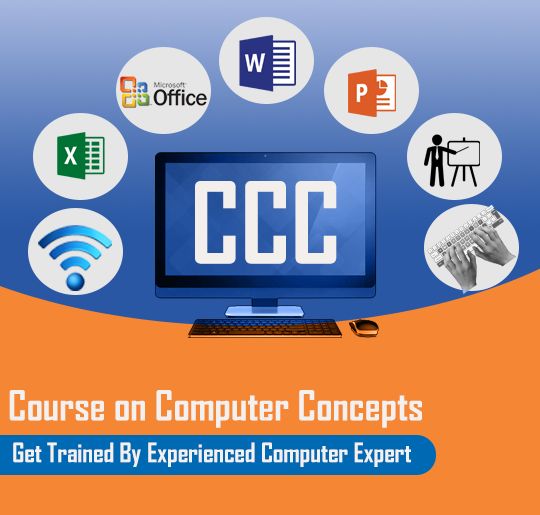
Why CCC is Essential
- Basic computer skills Builds Essential Computer Skills CCC equips you with the fundamental skills you need, including: – Navigating a computer and its operating systems – Word processing for documents, letters, and resumes – Creating spreadsheets and presentations – Using the internet and managing email These skills are essential in nearly every profession today.
2. Required for Many Jobs In India, having a CCC certification is often a must or at least a strong preference for: – Government positions (like clerical work, data entry, office assistance, etc.) – Roles in banking and the public sector – State-level recruitment exams It shows that you possess basic computer knowledge.
3. Supports Digital India Initiatives CCC empowers individuals to: – Utilize online government services – Apply for jobs through the internet – Access digital payments, forms, and various portals This fosters digital empowerment.
4. Suitable for Beginners No previous computer experience is necessary! The syllabus is straightforward and practical, making it perfect for students, job seekers, and working professionals alike.
5. Improves Career Opportunities Having a CCC certification: – Boosts your resume – Enhances your employability – Helps you thrive in modern workplaces.
6. Recognized Certification
Skills in CCC
Dive into the world of Computer Fundamentals!
Basic computer skills Get to know your computer hardware, including the CPU, memory, and all those input/output devices that keep everything running smoothly. Familiarize yourself with different types of software, like system software and application software, to understand what makes your computer tick. Learn the basics of operating systems, whether you’re a Windows fan or prefer Linux. Operating System Skills Master the art of using your keyboard and mouse like a pro.
Stay organized with effective file and folder management. Get hands-on with installing and uninstalling basic applications. Explore system tools and settings to customize your experience. Office Productivity Tools Become a whiz at word processing with MS Word or LibreOffice Writer, creating, editing, and formatting documents with ease. Tackle spreadsheets using MS Excel or LibreOffice Calculations, handling data entry, basic formulas, tables, and charts effortlessly.
Create stunning presentations with MS PowerPoint or LibreOffice Impress, complete with slides, animations, and engaging slide shows. Internet & Web Skills Learn how to browse the internet safely and securely. Use search engines like a pro to find exactly what you need. Set up and manage your email accounts for effective communication. Get comfortable with downloading and uploading files. Explore various online communication tools to stay connected.
Cybersecurity & Digital Safety Understand the basics of cyber threats, including viruses, phishing, and malware. Adopt safe password practices to protect your information. Stay aware of data protection and privacy issues to keep your digital life secure. Digital Financial Literacy Get to grips with online banking basics. Explore digital payment systems like UPI, net banking, and e-wallets. Stay informed about e-commerce to make smart online purchases.
e-Governance & Online Services Learn how to access government portals with ease. Get the hang of online form filling for various services. Discover digital services like Aadhaar and PAN to simplify your life. Employability Skills Build essential IT skills for the workplace. Enhance your digital communication abilities.